 Davinci Space
Development Updates: 2026 Oct 22
Good news! This website is now PWA enabled. So it now functions like a native mobile or desktop app without needing an App Store to download it. Whether you’re on a desktop or a mobile, or on Chrome browser or Brave or Firefox or Safari, you can now download Davinci Space and add it to your device’s home screen like an app.
It is recommended that you run the latest version of your chosen browser. For example, if you are using Chrome, just open up Davinci Space page and log in. Then, on the right side of the Address box, click on the install button.
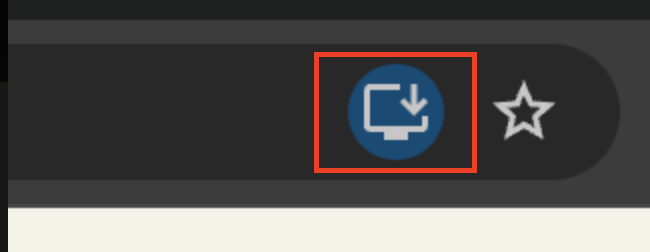
If you can’t find it (depending on the version of your browser), click on the hamburger menu and look for Cast, Save and Share and click Install Davinci Space. Note that browsers work slightly differently from one another. For example, Firefox may require an add-on. Do ask Madam AI or Miss Google about installing a PWA enabled website on your device.
One of the cool features of PWA is to be able to receive push notifications. Once you have downloaded the app on your device, you need to go to the Notification Settings screen to enable the Push Notifications. Just click on your profile picture on the top right corner and then go to My Notifications page and click on the cogwheel icon to get to the Notifications Settings.
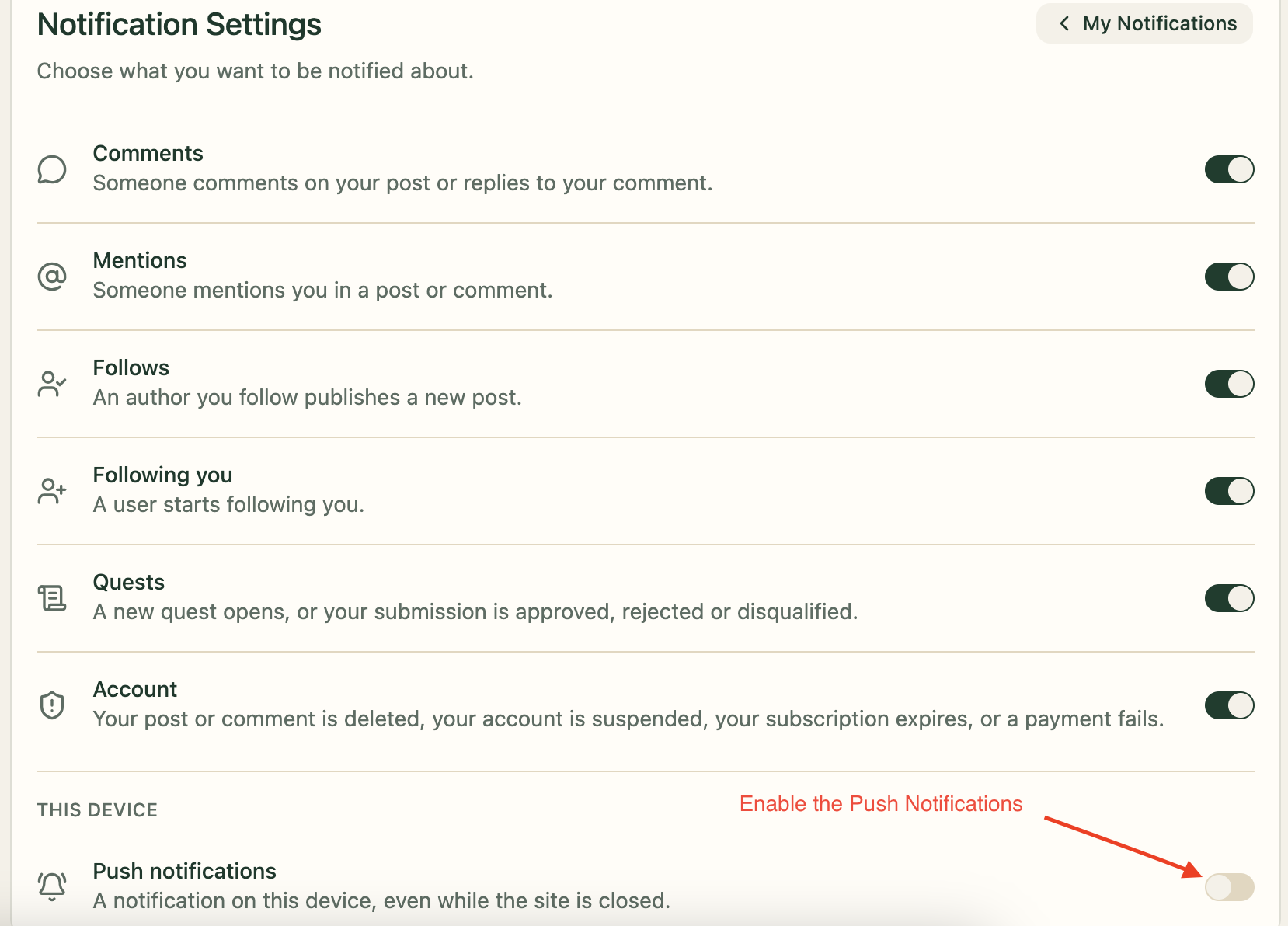
Note that you can only download the app and enable the Push Notifications just once in each device.
Now you can sit back and relax while waiting for your next notification about what’s happening to your favourite community directly on your device. It is nice to have updates delivered straight to you without having to constantly check for them.